Bullet Journal for Developers: How I Plan My Work Week
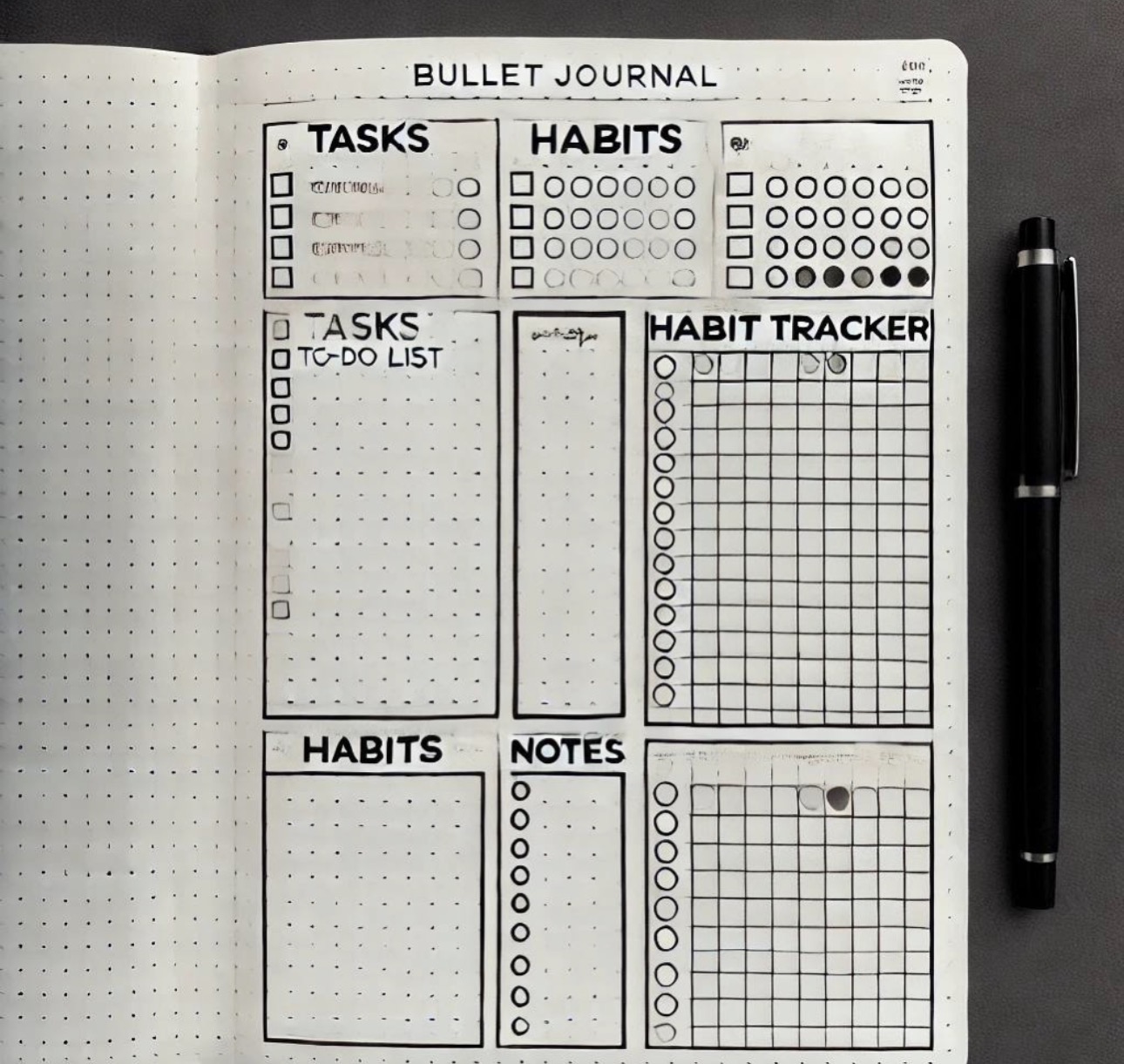
I picked up the Bullet Journal method after years of failed attempts with digital tools — Notion, Jira, Trello, you name it. The problem was never the tool itself, it was the overhead of maintaining it. Bullet Journal strips that away.
What is Bullet Journal?
At its core, it's a paper-based system with three main logs: a daily log, a monthly log, and a future log. You use rapid logging — short bullet points — to capture tasks, events, and notes. The magic is in the migration: every unfinished task forces you to decide: does it still matter? If not, cross it out. If yes, move it forward.
How I adapted it for development work
The default system works great for life admin, but development has its own rhythm. Here's what I changed:
- Weekly sprint log instead of daily — I plan in week-sized chunks, not days
- Parking lot page for ideas and "would be nice" features that aren't in scope
- Context notes — when I pick up a task after a break, I write one line about where I left off
- Bug tracker — a simple two-column table: symptom / root cause
The surprising benefit: less context switching
Writing things down on paper creates a natural barrier. You can't get a Slack notification in your notebook. When I close my laptop and look at the page, I see only what I decided mattered — not what an algorithm decided was urgent.
After six months, the biggest win isn't productivity metrics — it's that I finish the week knowing what I actually did, instead of wondering where the time went.